
I have a collection of landscape photographs that I want to display, and on the off chance that someone wants to use one, I sell the high-resolution file and a licence.
I prefer self-hosting, so I tested the main open-source apps locally with Docker Compose to see what these tools have to offer.
TL;DR
There is no overall winner, but for each job there is a clear winner. The apps are built for different jobs, so I have grouped them by purpose and ordered them best to worst within each category.
Selling photos (shop-first)
- WordPress + Easy Digital Downloads – the only mature self-hosted option for selling digital files and licences properly. The gallery is whatever you build in the theme.
- PicPeak – the strongest client/event delivery platform, with optional priced galleries and card checkout through Snipcart. Excellent client workflow.
Public portfolio galleries (display-first)
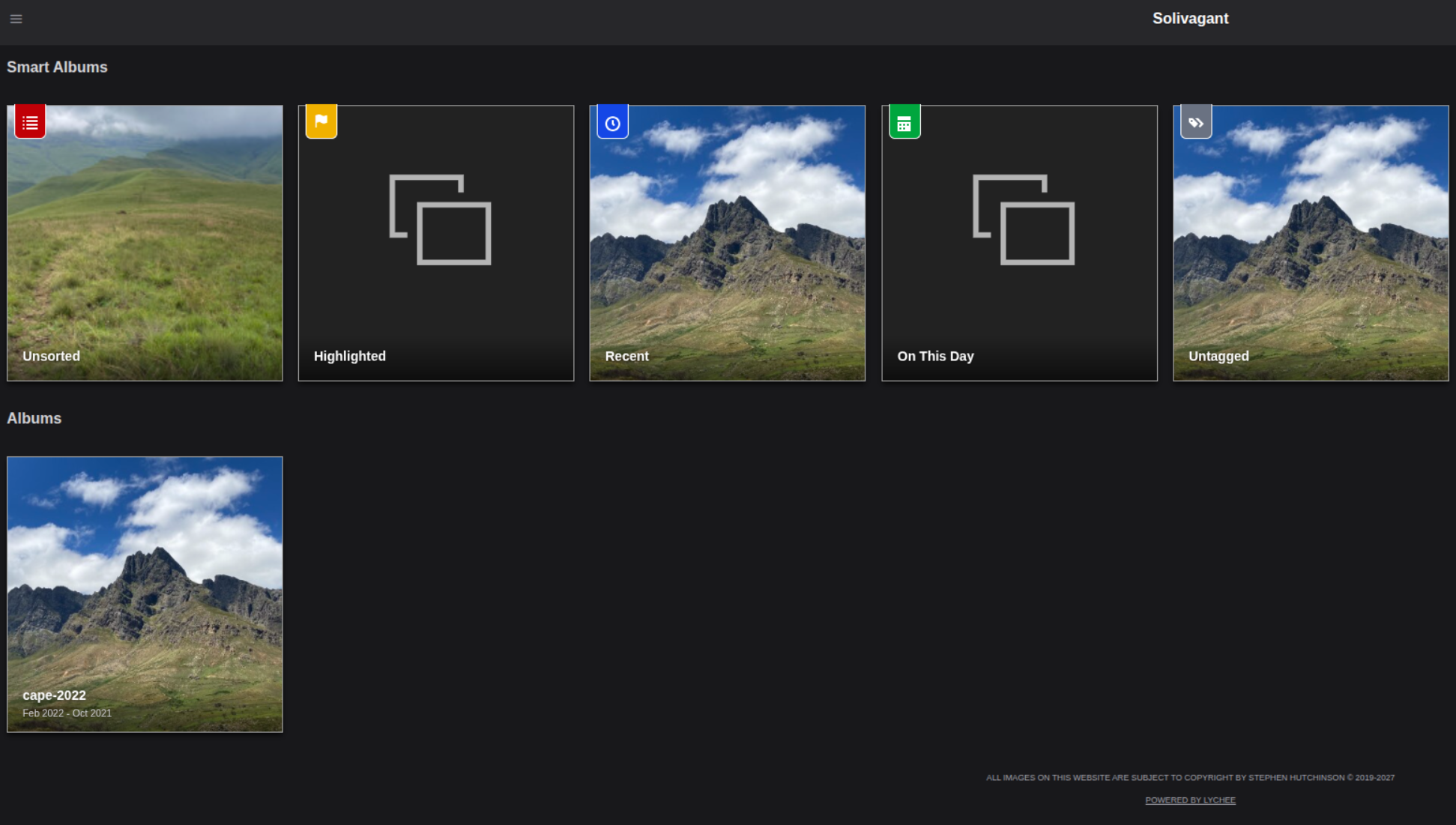
- Lychee – clean, fast and light. Watermarking is a paid Supporter Edition feature. No commerce.
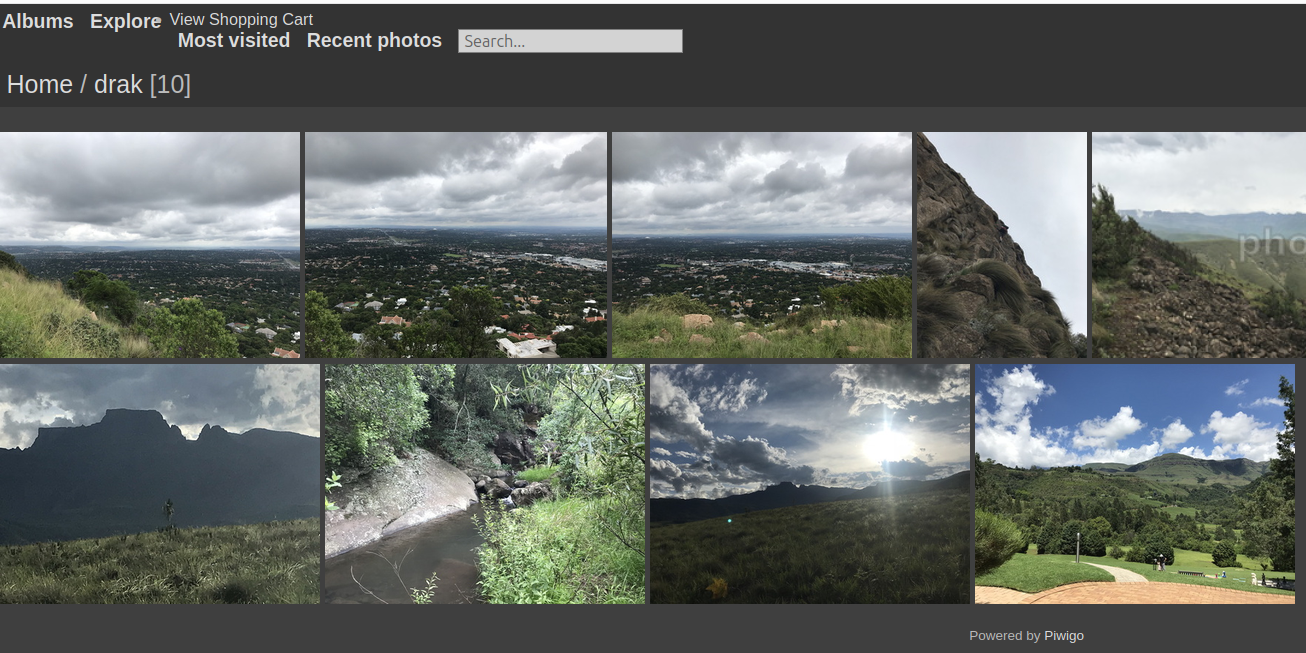
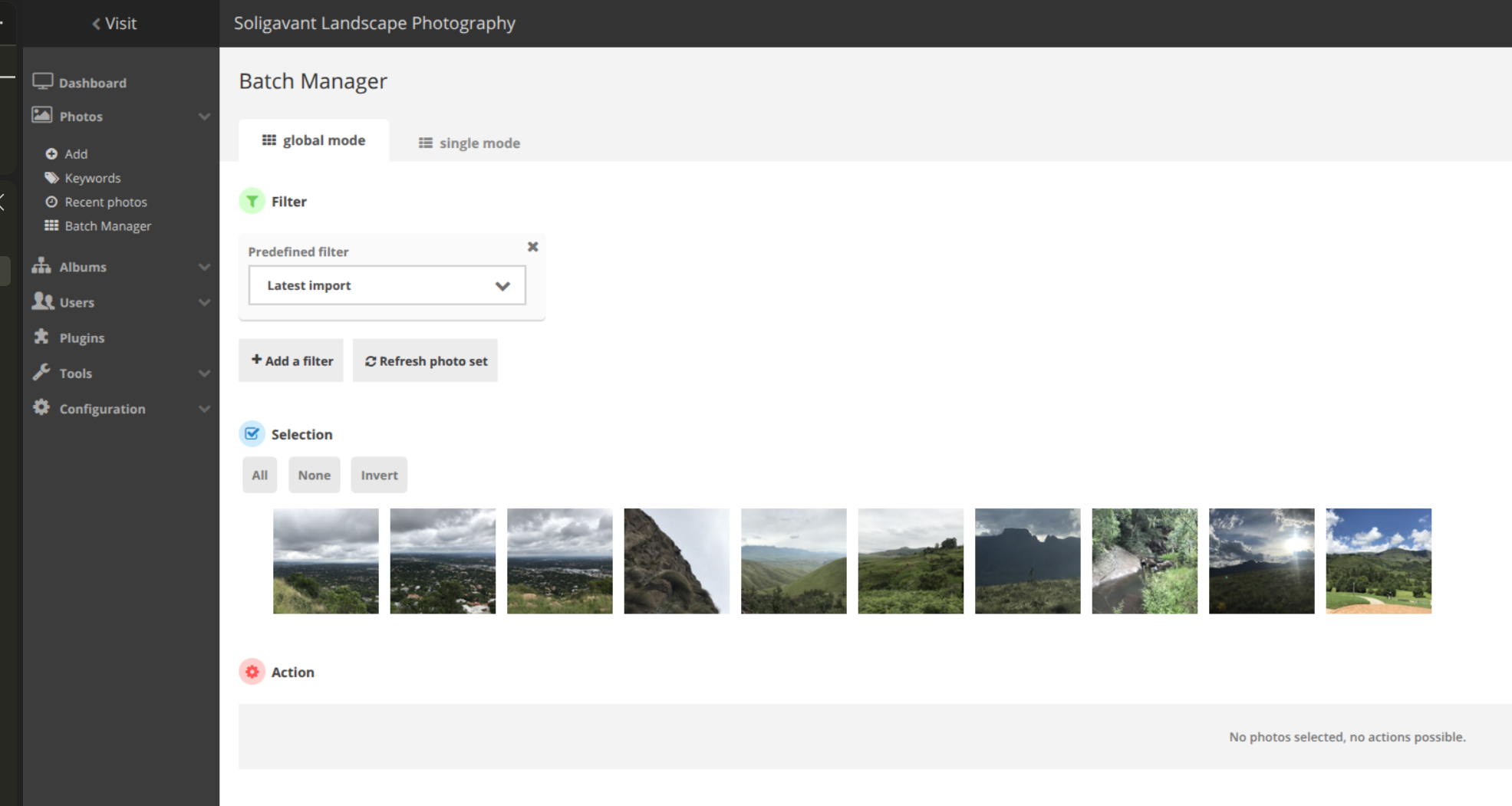
- Piwigo – mature and themeable, with built-in resizing and watermarking. The admin and themes feel dated, and checkout is a dated PayPal plugin.
- Zenphoto – a media CMS with solid built-in resizing and watermarking. Old-school admin, no HEIC out of the box, and no commerce.
- Chevereto – the ideal solution if you want a multi-tenant platform like Tumblr.
Personal and family photo libraries
- Immich – the best self-hosted Google Photos replacement: mobile backup, multi-user, faces, OCR and smart search. PostgreSQL only, and heavy.
- PhotoPrism – excellent AI labelling and search, but a library rather than a portfolio. PostgreSQL is experimental, preview builds only.
Folder-first archives and studio tools
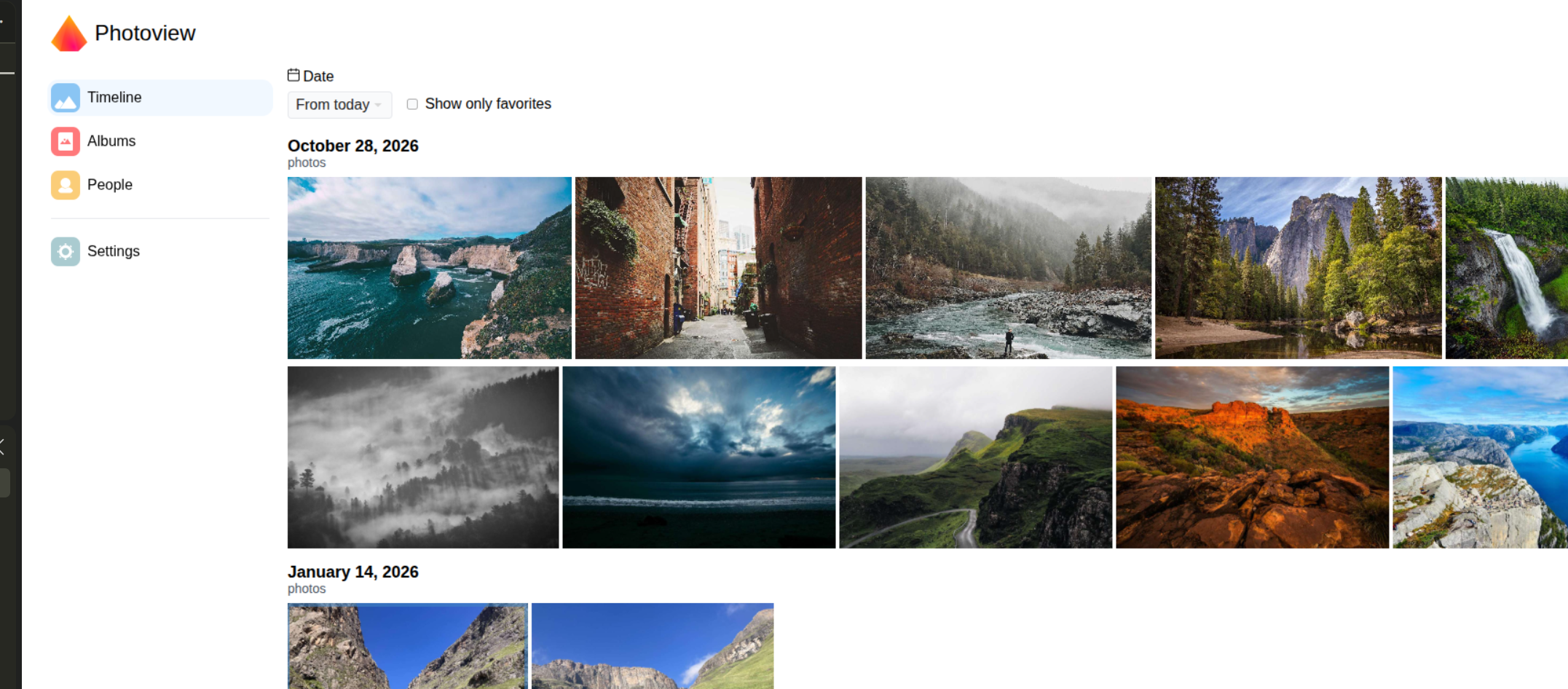
- Photoview – a folder-based gallery with multiple users and share links. No public site, watermarking or commerce.
- Lumio – a filesystem-first catalogue with a genuinely good non-destructive editor and public share links. Single owner, experimental, and no licence file.
The web apps
All apps were tested in late July 2026 on a local laptop, each using its Docker Compose setup.
Some apps were skipped because they require payment (they may still be good and fit for purpose): Symbiostock, Sunshine Photo Cart, Backlight 6 and Photopress.
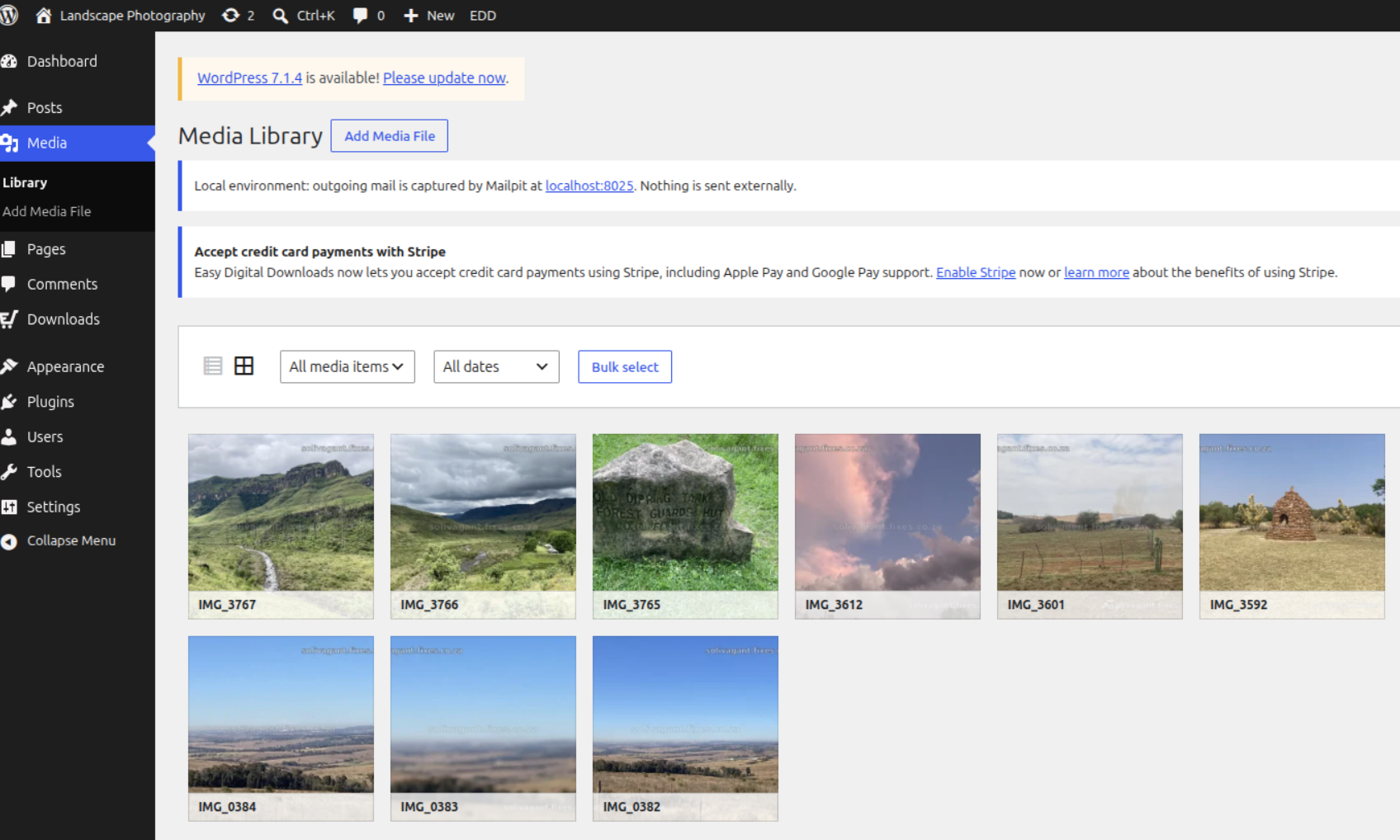
WordPress + Easy Digital Downloads
- The most complete self-hosted route for selling digital files and licences.
- Built with PHP; requires MySQL or MariaDB.
- Single site, but multi-user accounts are possible.
- Display is not included: you need a theme and gallery patterns. Requires customisation.
- The Easy Digital Downloads plugin handles products, cart, checkout, licence acceptance and tokenised delivery. Manual bank transfer needs a small custom gateway.
- Many plugins and integrations, which is both the strength and the maintenance cost.
Best for: selling high-resolution files and licences, especially with manual EFT.
Watch out: the gallery experience is only as good as the theme you build.
PicPeak
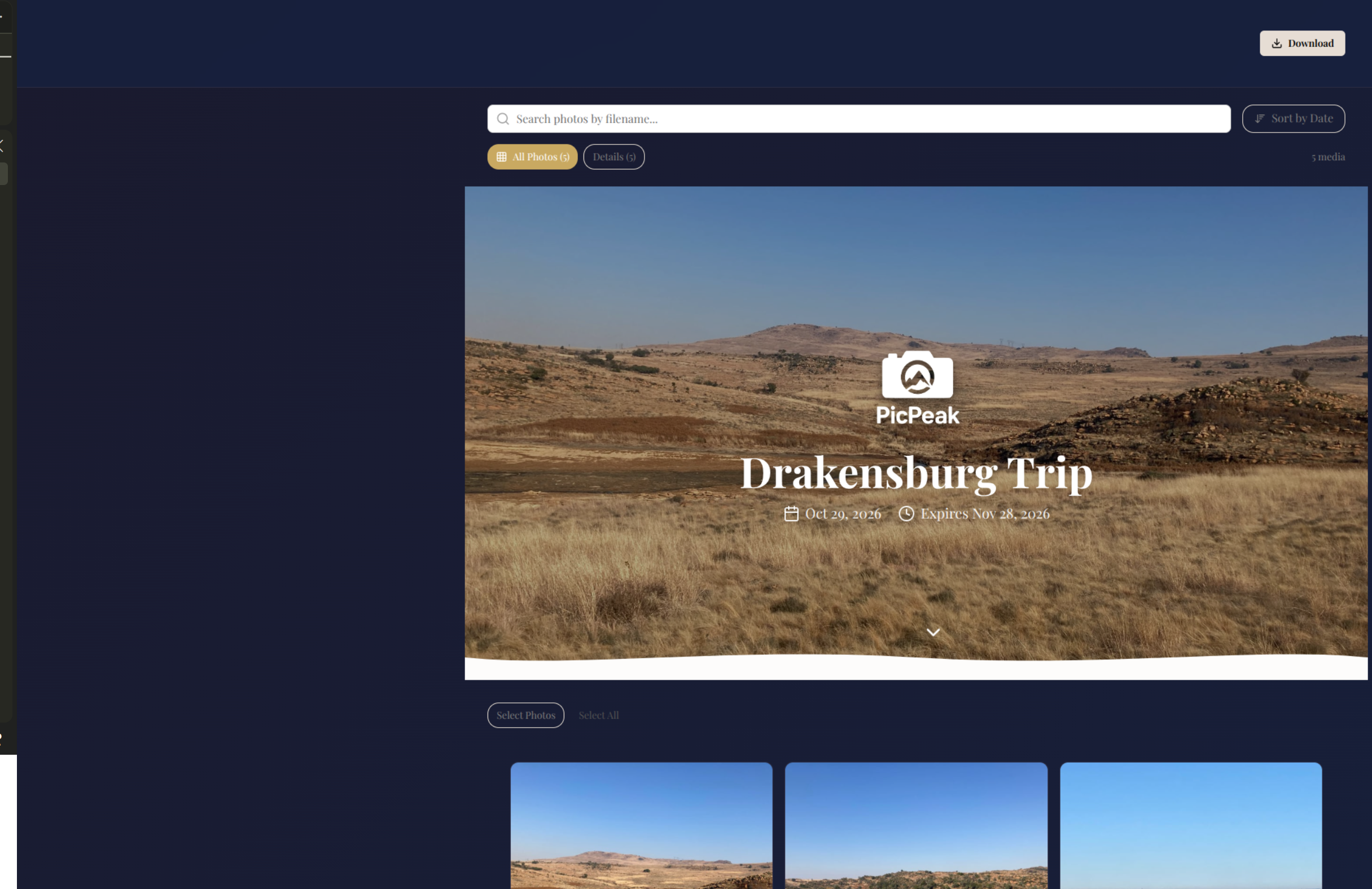
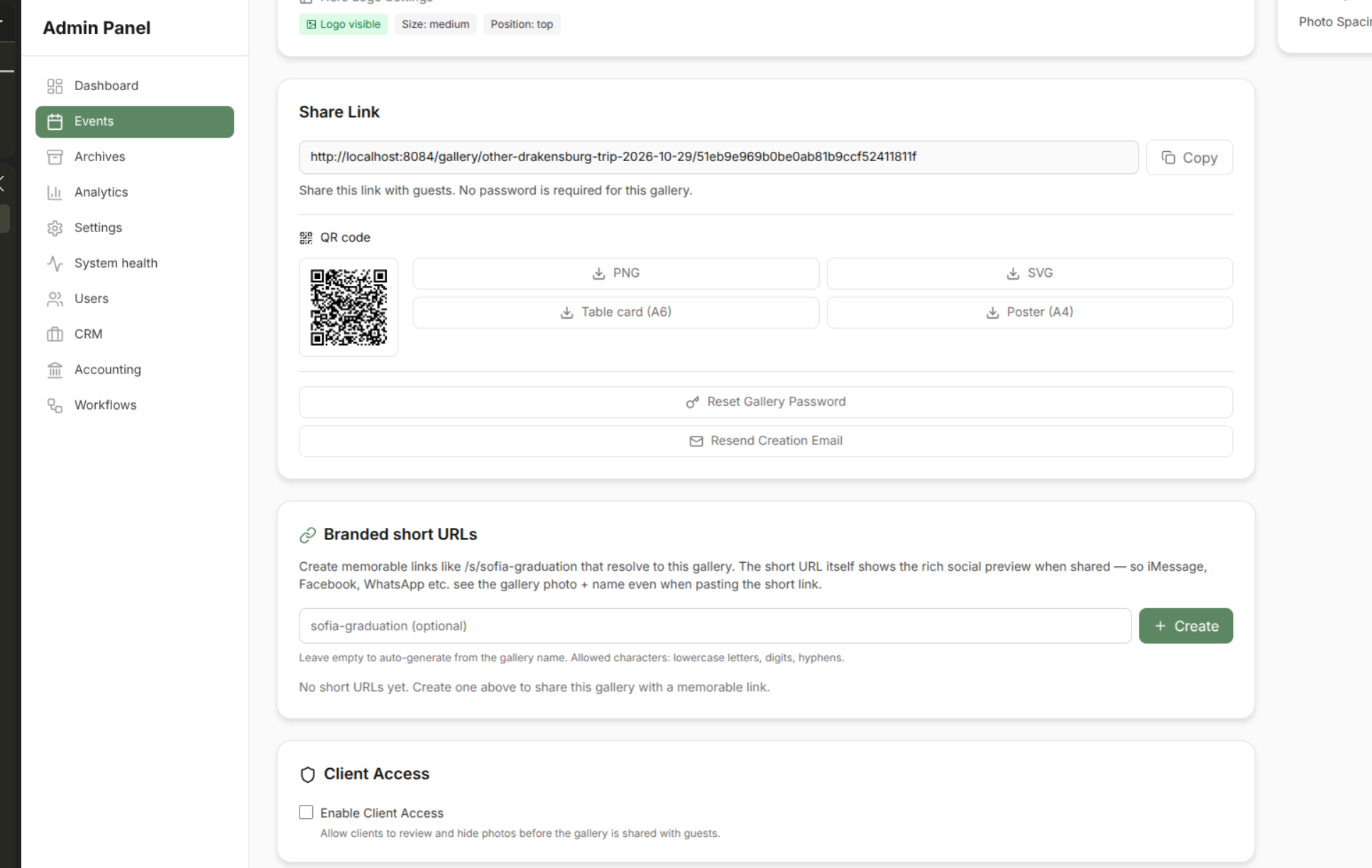
- Self-hosted client and event gallery platform, with a public landing page and CMS pages.
- Built with Node.js and Express; React and Tailwind on the front end.
- SQLite in the all-in-one image, or PostgreSQL in the full stack.
- Per-event galleries with expiry, passwords, downloads and guest uploads.
- A priced gallery can use a tiled watermark and Snipcart checkout, then email the clean originals.
- The public landing page and CMS pages are static content; you cannot embed a gallery grid inside them. It requires tedious work.
- CRM and accounting (quotes, contracts, invoices, expenses) are beta and off by default.
Best for: client/event delivery, with card-based photo sales as an add-on.
Watch out: Snipcart is a third-party, card-only checkout. There is no manual EFT.
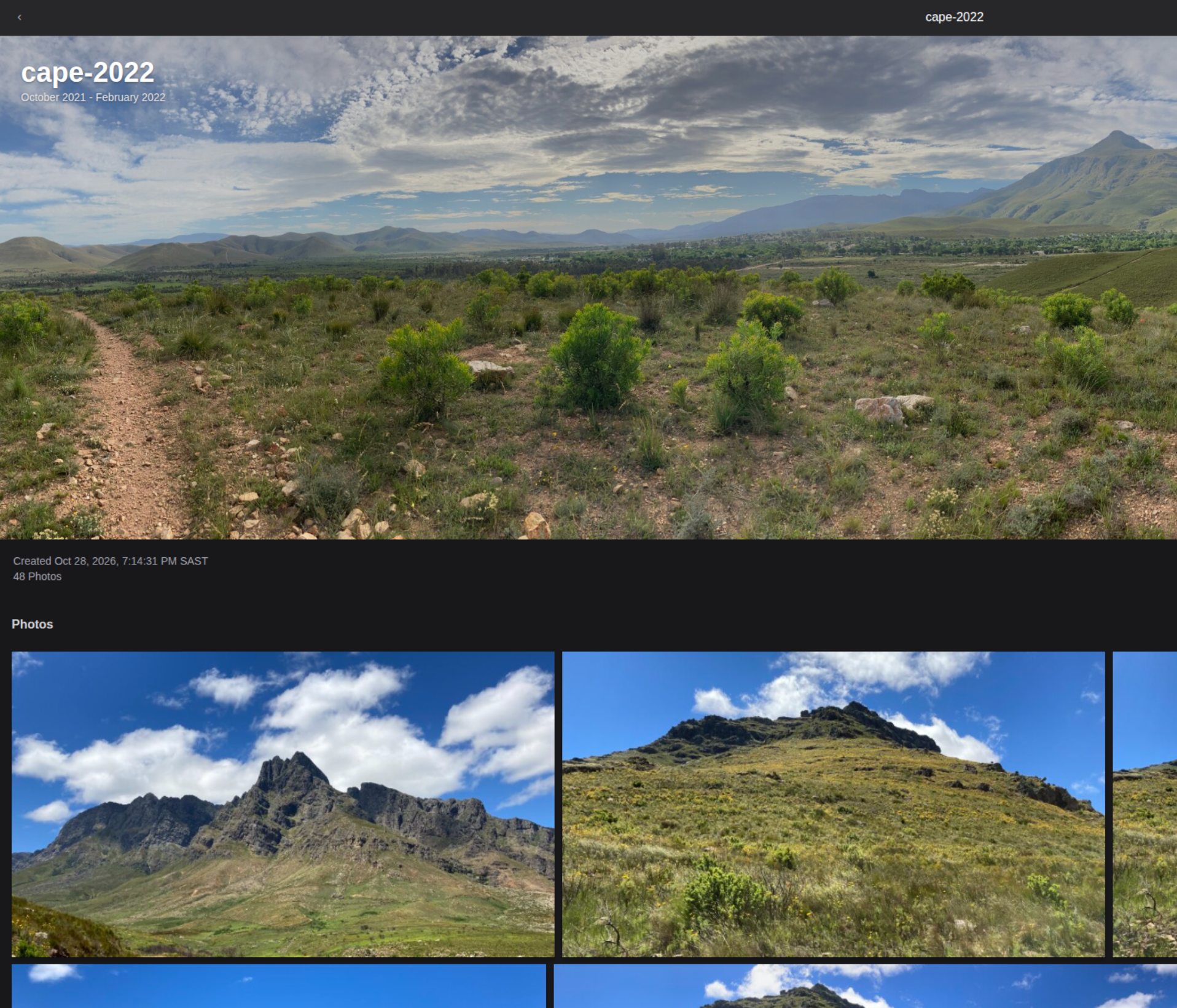
Lychee
- Photo-management tool that can act as a public gallery for a photographer.
- Built with PHP and Laravel.
- SQLite, PostgreSQL or MySQL.
- Public albums, private albums and sharing controls.
- Watermarking and secure image links require the paid Supporter Edition.
- Single tenant.
- No payment integration.
- Supports HEIC and HTML5 video playback.
Best for: a single photographer who wants a clean, lightweight public gallery.
Watch out: the protection features are paid, and there is no checkout.
Piwigo
- A mature gallery CMS – “WordPress for photographers”.
- Built with PHP; requires MySQL or MariaDB.
- Built-in resizing and watermarking.
- Many themes and plugins; some themes feel dated.
- Checkout is a dated PayPal cart plugin, not a modern shop.
- Metadata is not stripped by default.
- HEIC is not reliably supported out of the box.
Best for: a large, well-organised public archive.
Watch out: the shop is an afterthought.
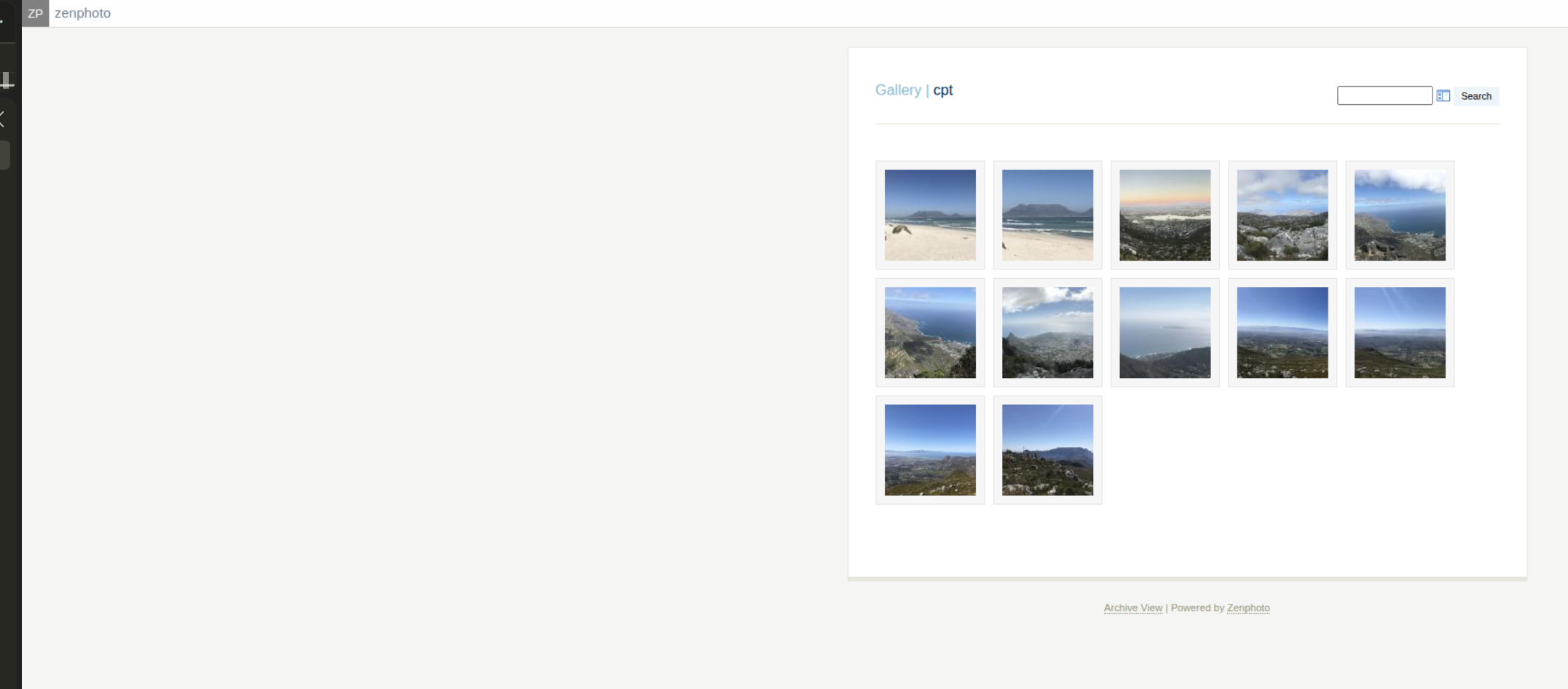
Zenphoto
- A standalone media CMS for photographers and artists, with albums, video/audio and the Zenpage plugin for pages and a blog.
- Built with PHP; supports MySQL and MariaDB only.
- Built-in resizing and watermarking.
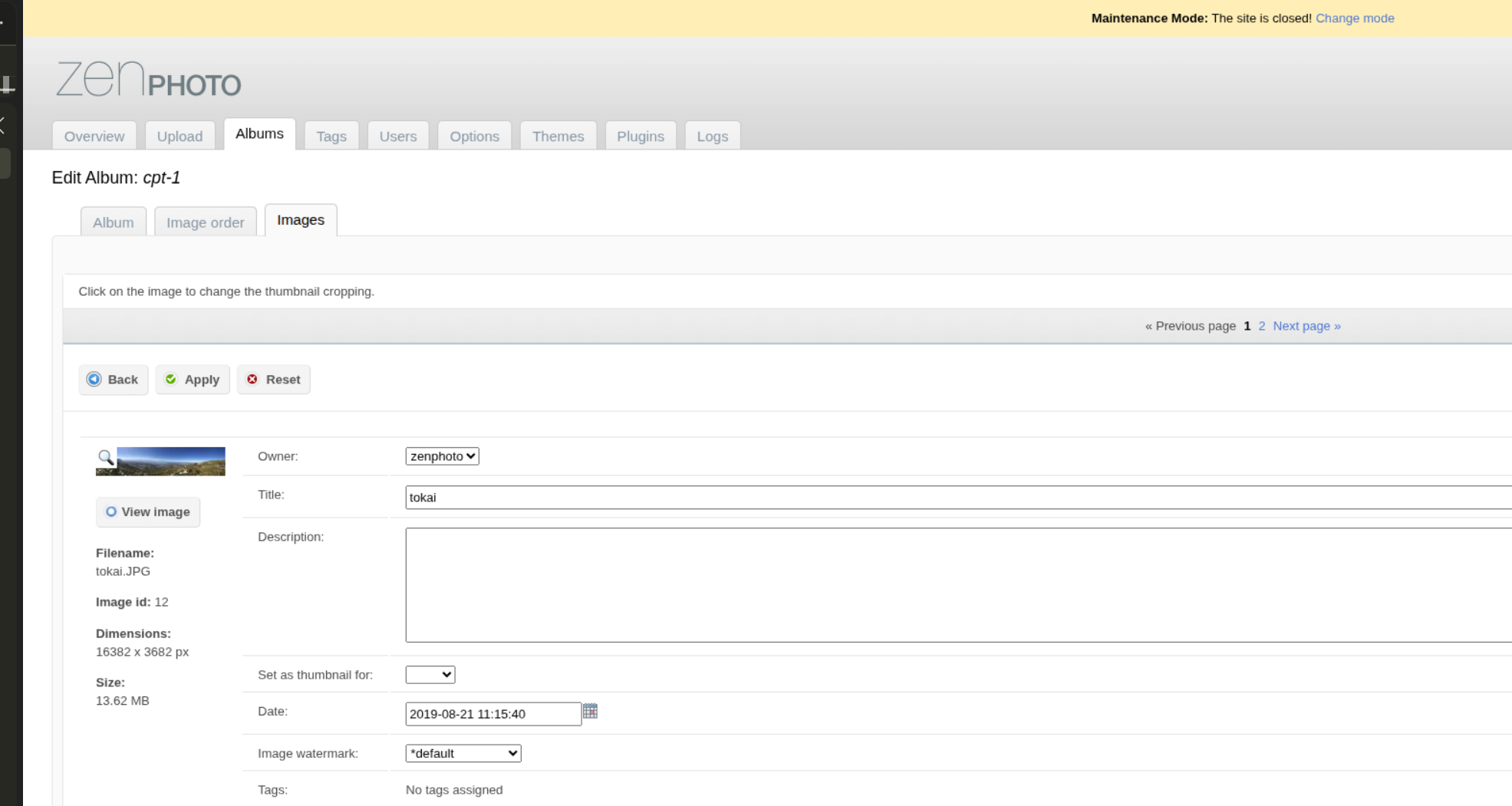
- Ships without an uploader enabled; you must enable one under Plugins.
- The site starts in maintenance mode after setup; open it under Overview → Maintenance mode.
- Old-school admin and a lot of options.
- No HEIC out of the box.
- No ecommerce: no cart, checkout or payment gateway.
Best for: a self-contained media site with watermarking built in.
Watch out: the admin is dated and the feature set is broad but idiosyncratic.
Chevereto
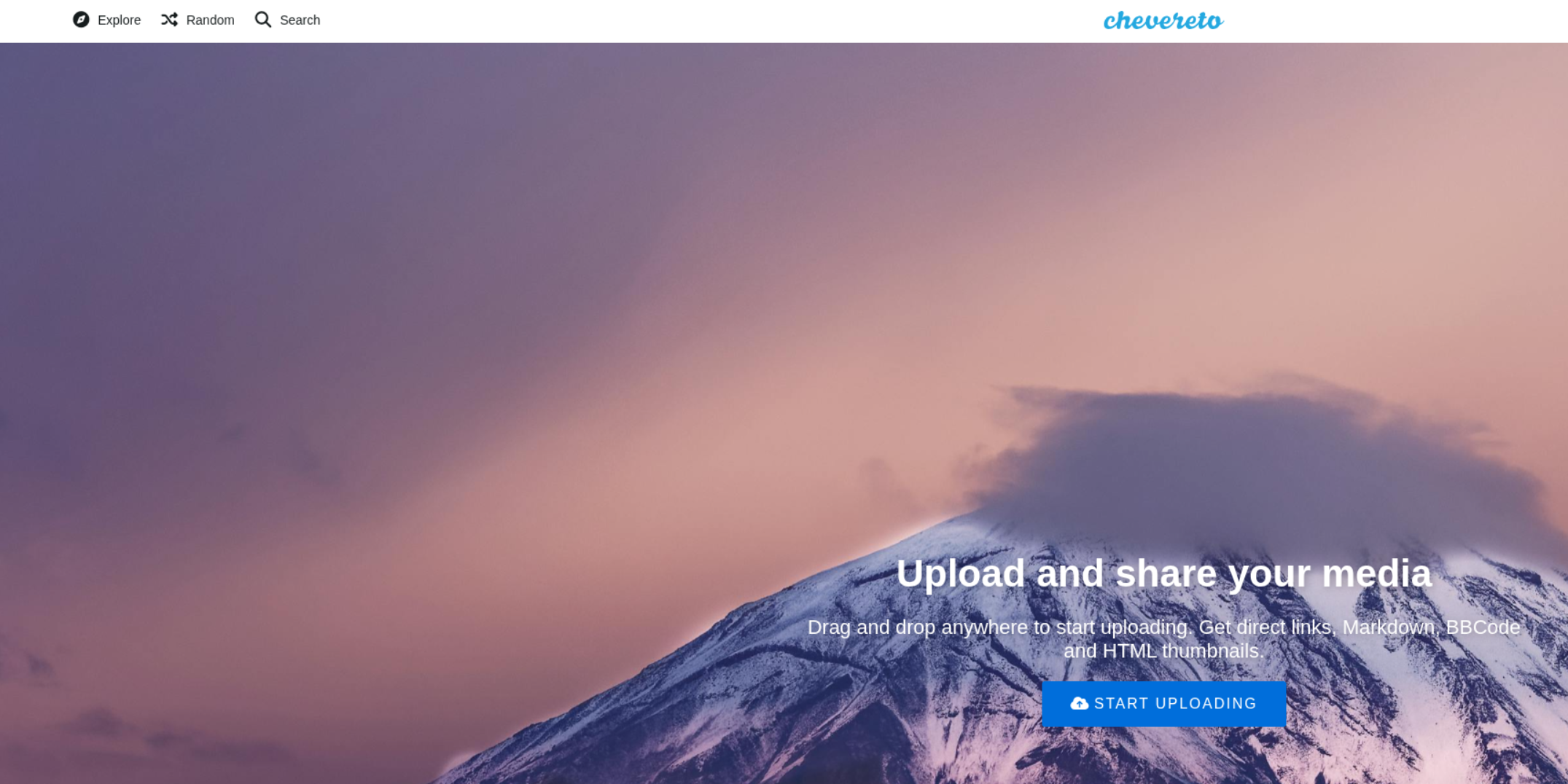
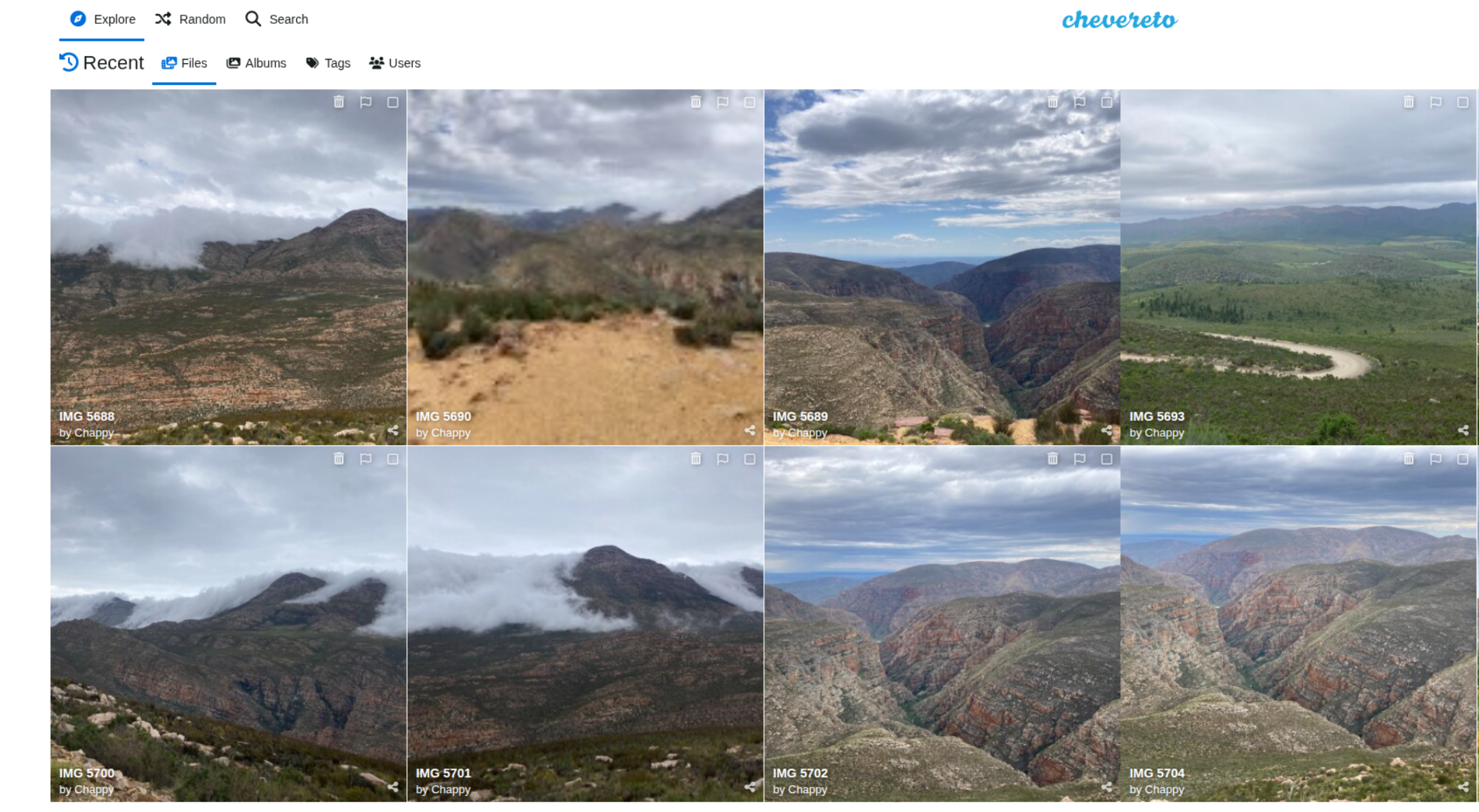
- Build your own Flickr/Imgur-style media-sharing platform.
- Built with PHP and Laravel.
- Requires MySQL or MariaDB.
- Multi-user by default; true multi-tenancy is optional.
- No HEIC support.
- Can strip EXIF metadata on upload.
- Supports video.
- No cart. “Stores” are album-level links to an external payment page.
Best for: the best-looking public gallery and community-style sharing.
Watch out: it is a media host, not a shop.
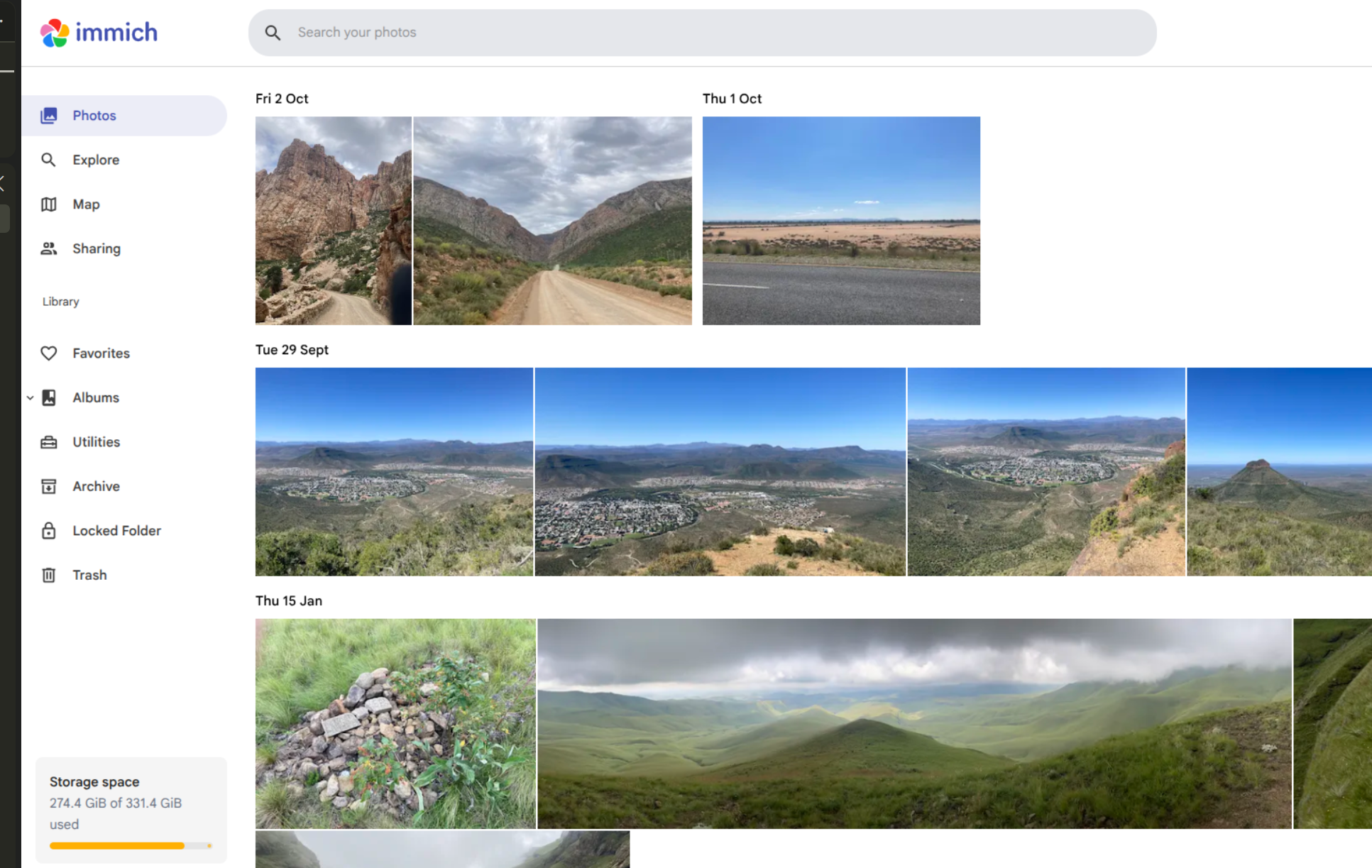
Immich
- A high-performance, self-hosted photo and video backup server – a self-hosted Google Photos.
- Built with Node.js and NestJS; Svelte web front end; Flutter mobile apps.
- PostgreSQL only, with Valkey/Redis and a separate machine-learning container.
- Supports HEIC and video.
- Mobile background backup, multi-user accounts, albums, partner sharing and album share links.
- AI: facial recognition, OCR, object/scene matching and smart search.
- No public portfolio site, watermarking or ecommerce.
- The most polished UI of the group, and the heaviest stack.
Best for: private original archive and mobile backup.
Watch out: it is not a portfolio, a client gallery or a shop.
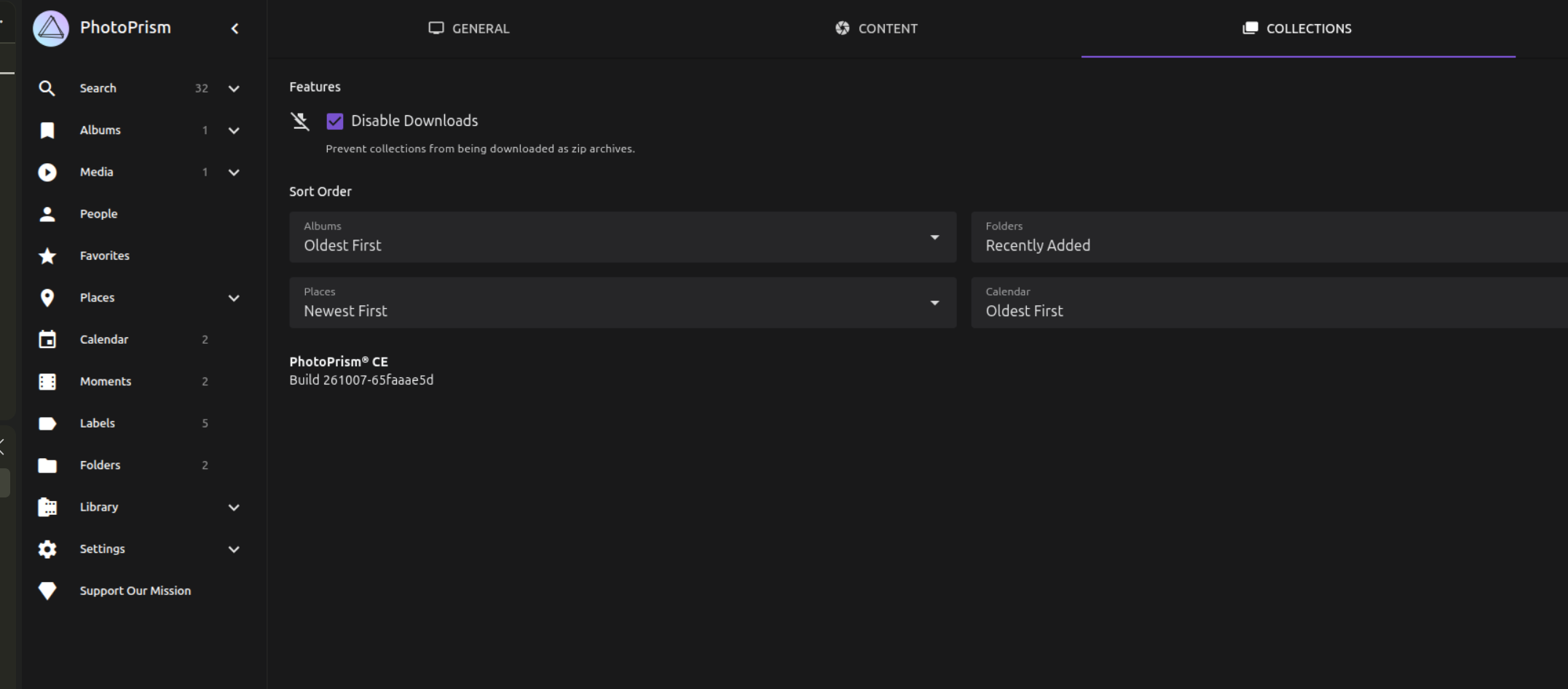
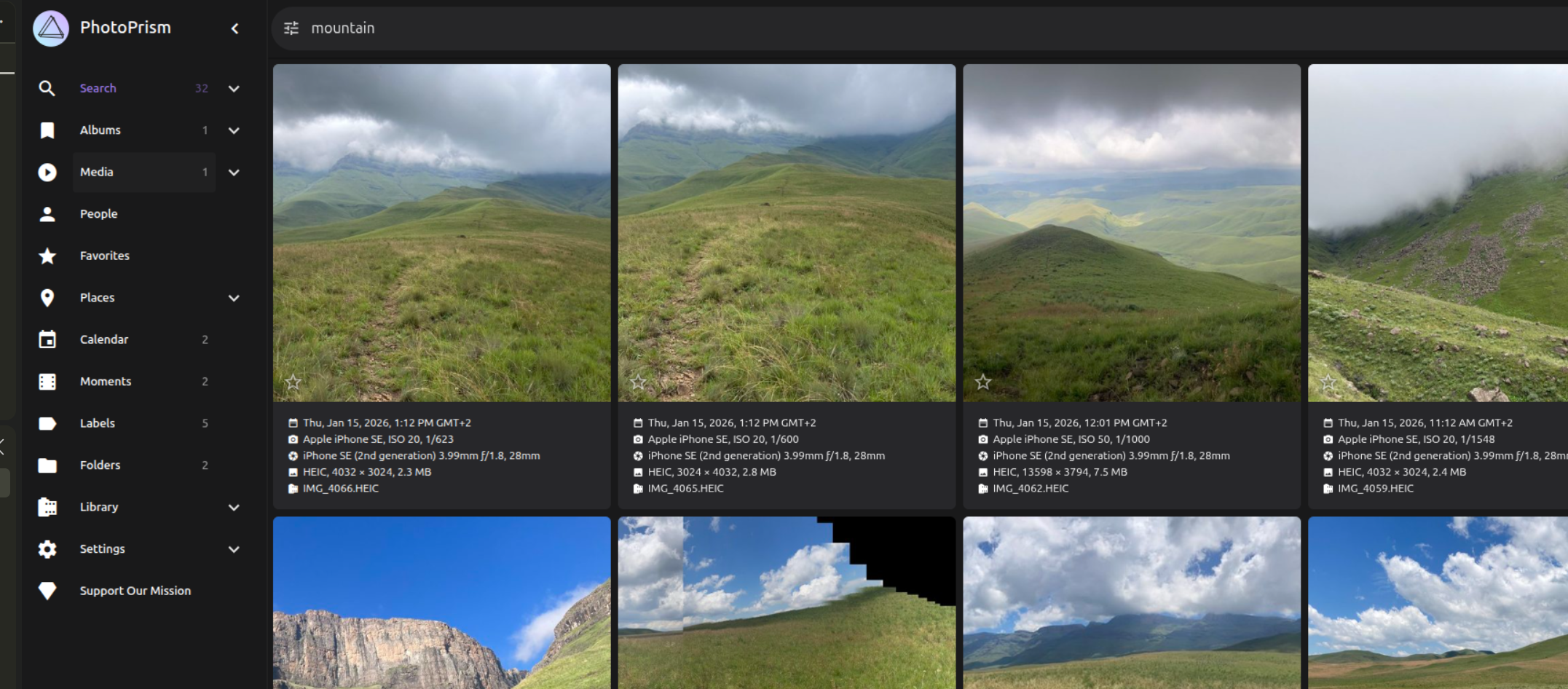
PhotoPrism
- A self-hosted personal/family photo library with strong AI tools.
- Built with Go; Vue front end.
- SQLite and MariaDB/MySQL are supported; PostgreSQL is experimental and only in preview builds.
- Supports HEIC and video.
- Automatic labels, faces, places, OCR and smart search.
- No ecommerce and no watermarking.
- A library, not a portfolio.
Best for: searching and organising a personal collection.
Watch out: do not choose it as a public portfolio or a shop.
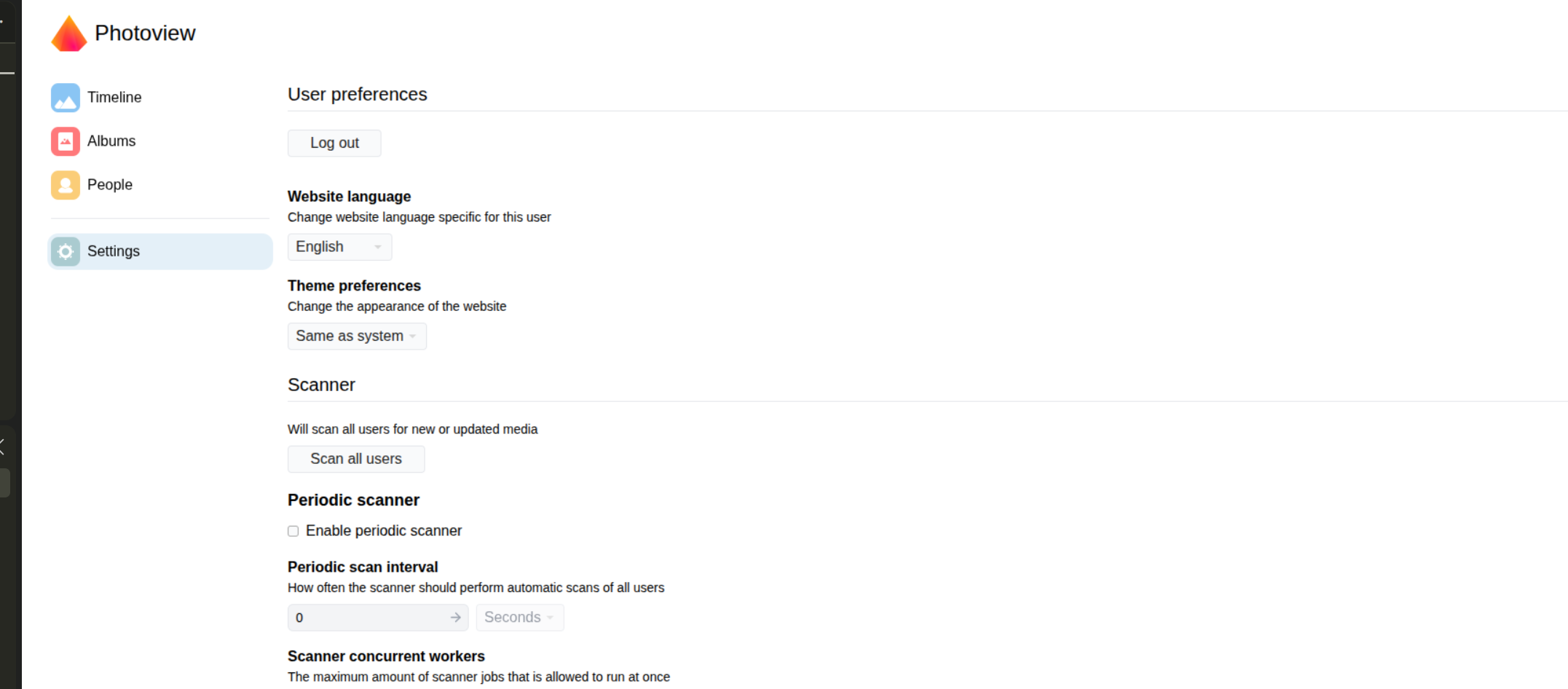
Photoview
- A folder-based gallery built for photographers with large libraries.
- Built with Go.
- MariaDB, PostgreSQL or SQLite.
- Supports HEIC.
- Thumbnails are generated for fast browsing; the full-screen view loads the high-resolution original.
- No watermarking and no low-resolution preview mode.
- No public gallery site; albums and individual photos can be shared with public links.
- No ecommerce.
Best for: browsing an existing folder structure and sharing selected albums.
Watch out: it is a viewer, not a storefront and not a protective preview layer.
Lumio
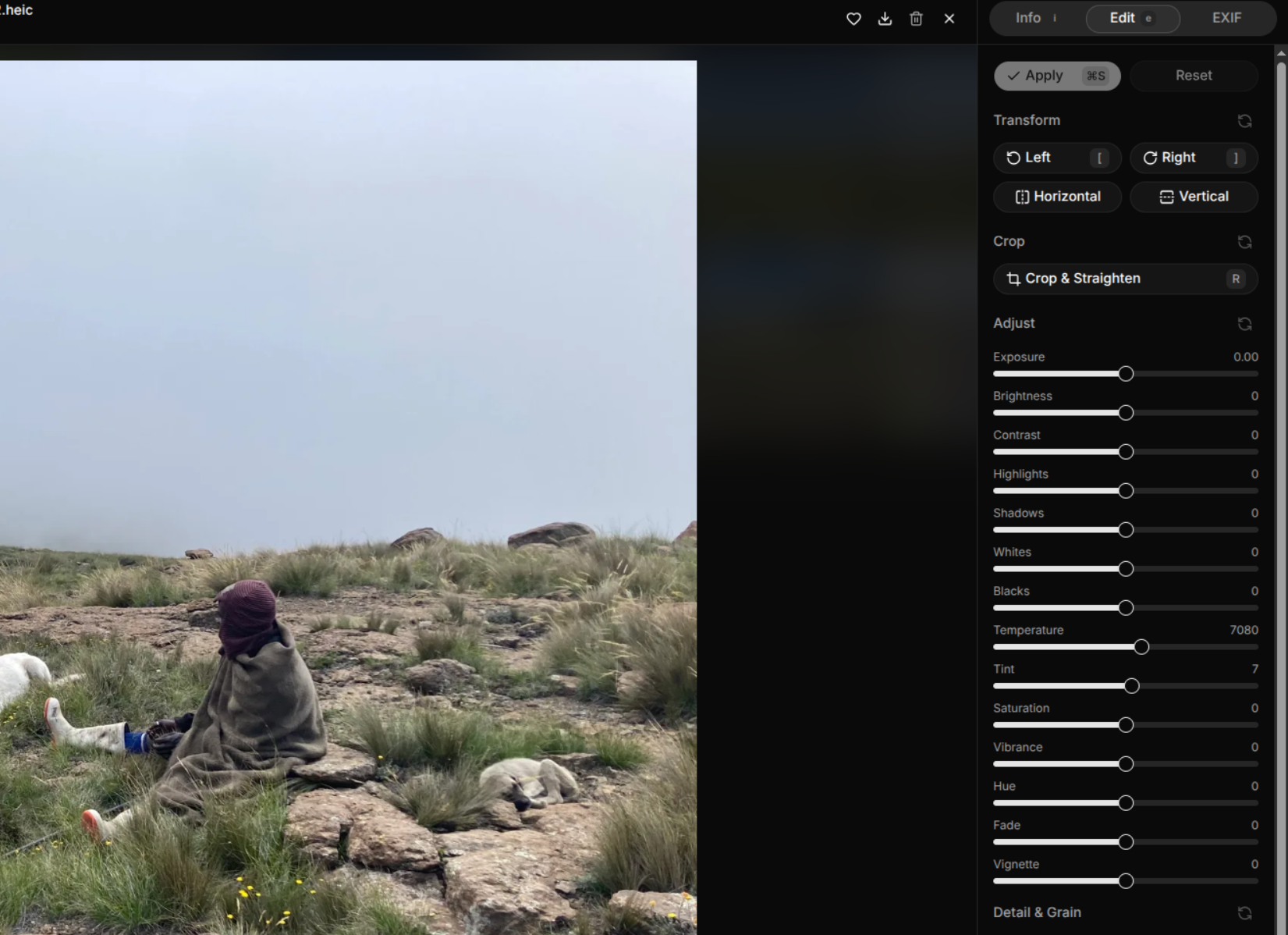
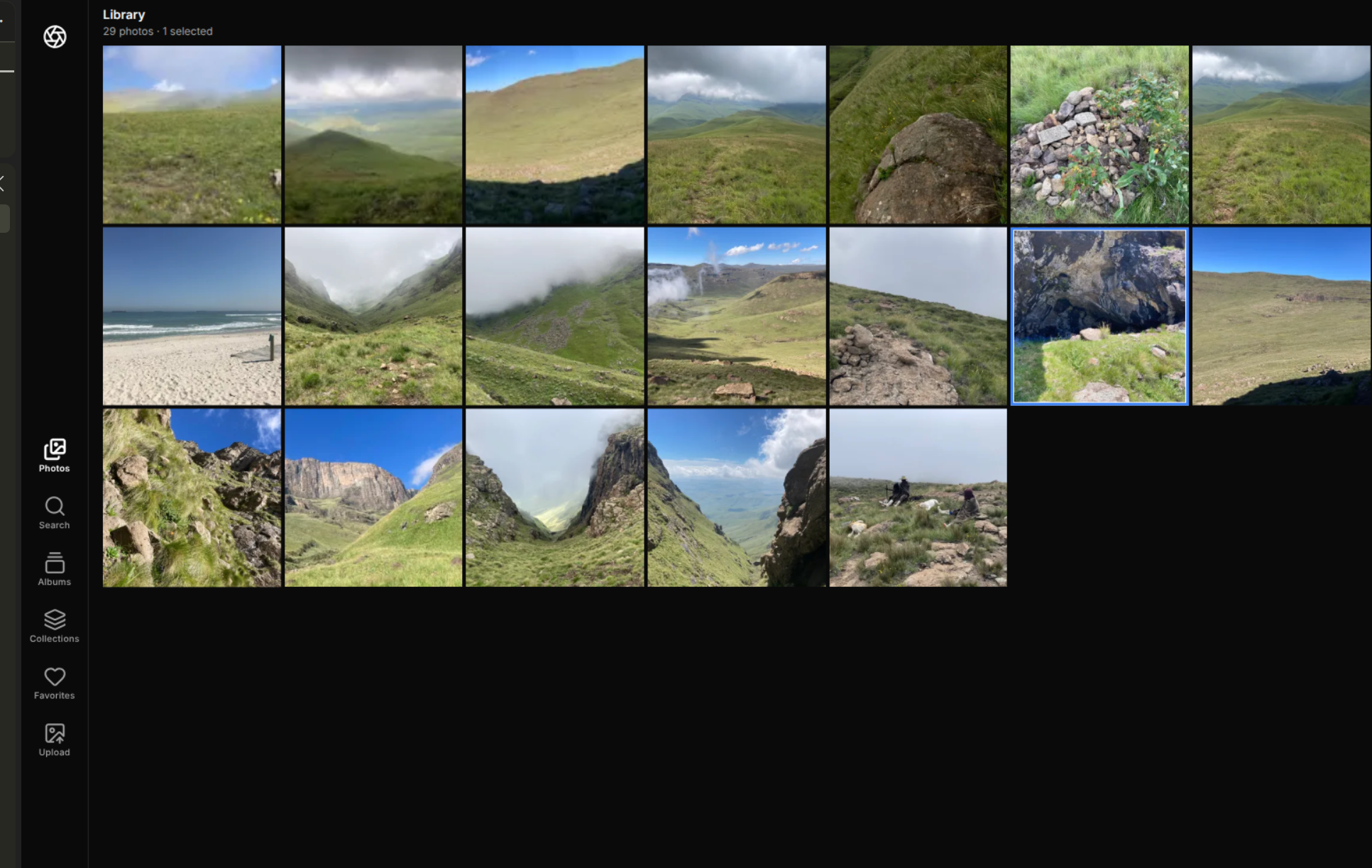
- A filesystem-first photo catalogue with a non-destructive editor.
- Built with Node.js, Next.js and React; Prisma with PostgreSQL only.
- Supports HEIC (and JXL) through external decoders.
- Originals stay where they are; Lumio indexes them and generates renditions.
- Content-hash de-duplication and a genuinely good GPU-accelerated editor.
- Single owner, no video, no watermarking, no ecommerce.
- Public share links for selected photos, with optional password and expiry.
- No licence file upstream; experimental and not safe to ship.
Best for: editing and cataloguing files in place.
Watch out: no licence, no shop, and no live album sharing.
Conclusion
It depends. If you know what you want, there is a clear winner.
- To sell licences and files with manual EFT: WordPress + Easy Digital Downloads is the only complete option. Budget time for the theme.
- To deliver client/event galleries and optionally sell by card: PicPeak is the strongest all-in-one.
- To run a public portfolio without a shop: Lychee for ease and looks, Piwigo or Zenphoto for built-in watermarking and resizing.
- To run a photo platform for a large user base – Chevereto.
- To keep a private, searchable archive: Immich.
- To browse existing folders: Photoview.
- To edit in place: Lumio, but not in production – there is no licence.
Decide what you need first, then pick the winner for that job.